

HyperCool - Heat & Battery Fix
KernelSU / Magisk module for Qualcomm and MediaTek phones. Less heat, less battery drain, longer battery life. Focused on battery life, not peak performance.




Everything is configured via WebUI and applied on the next boot. Only lightweight keepers run in the background, and only when enabled.
Screenshots
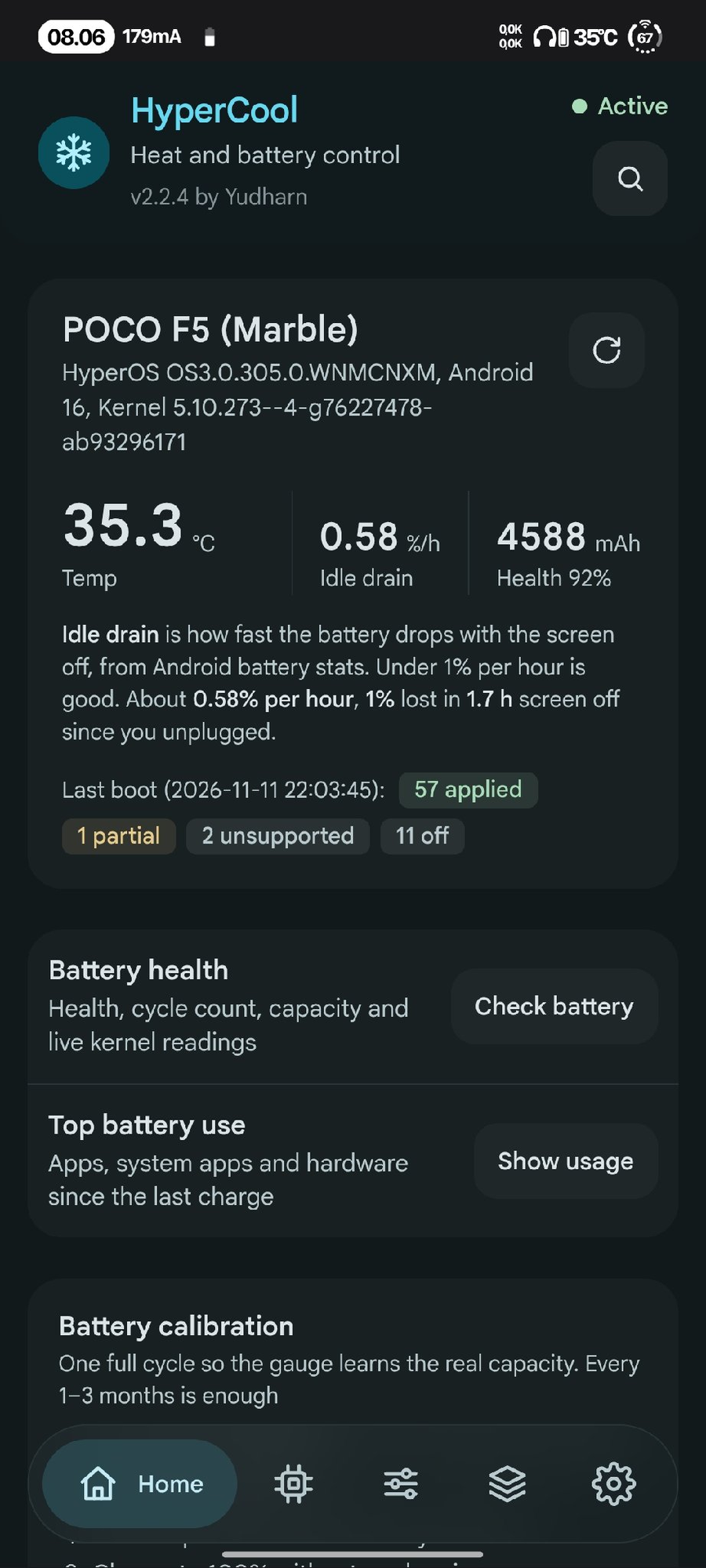 Home |
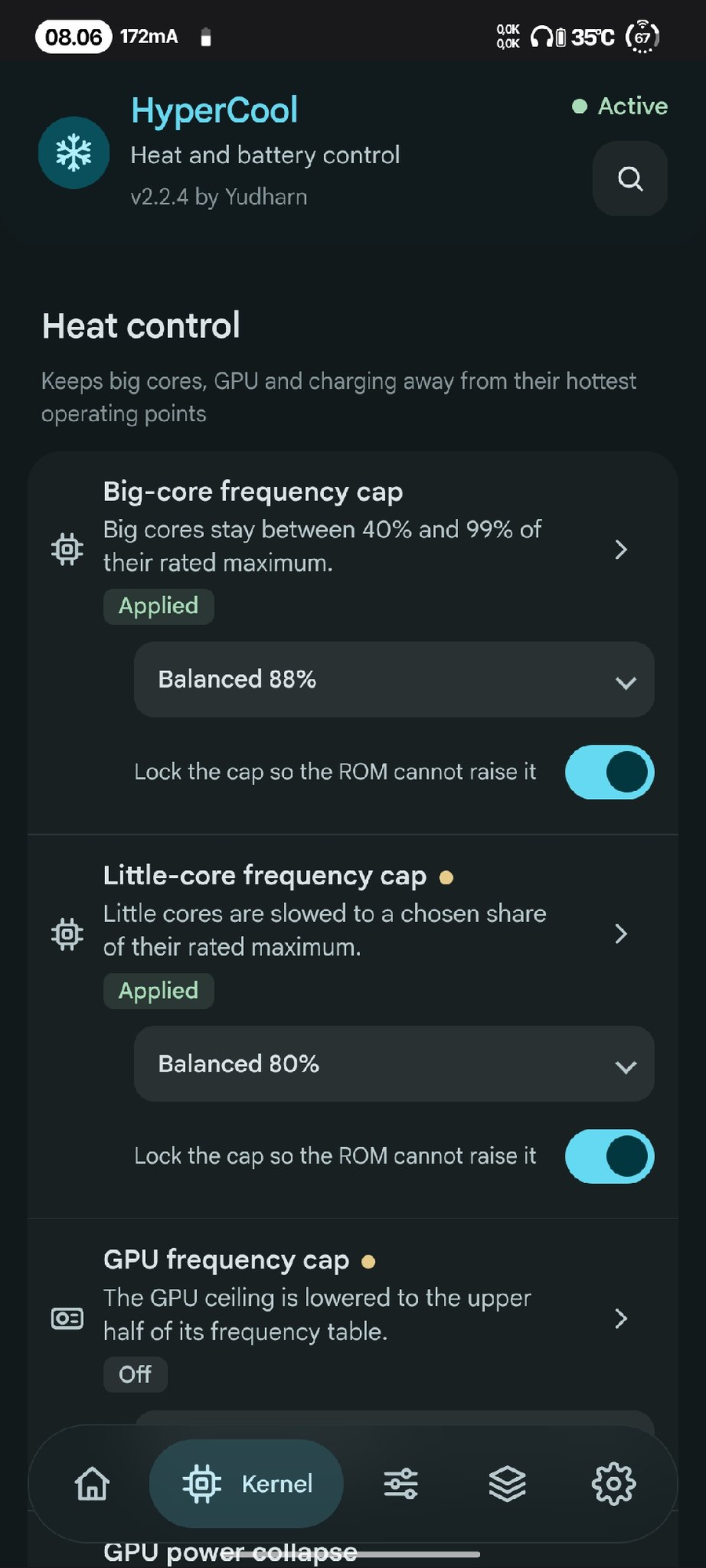 Heat control |
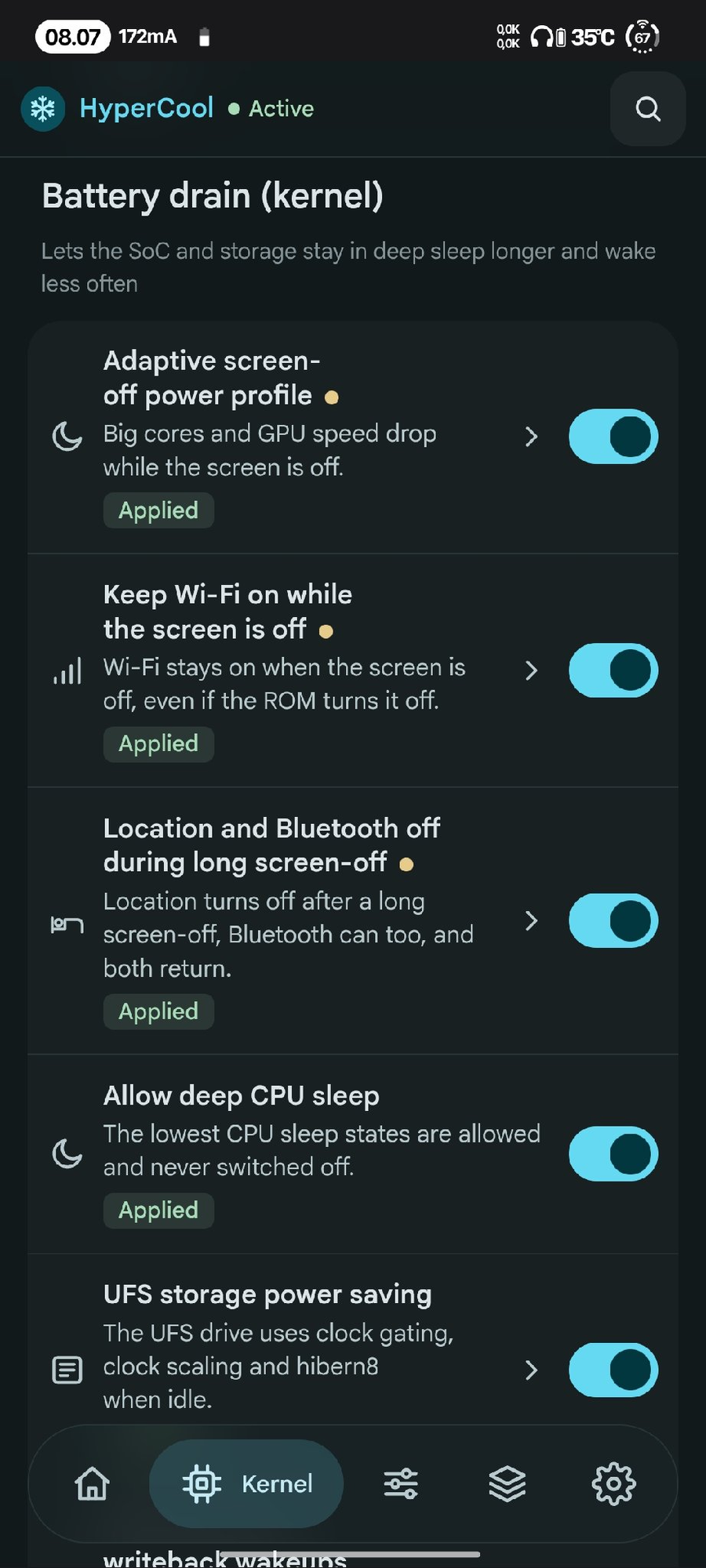 Battery drain (kernel) |
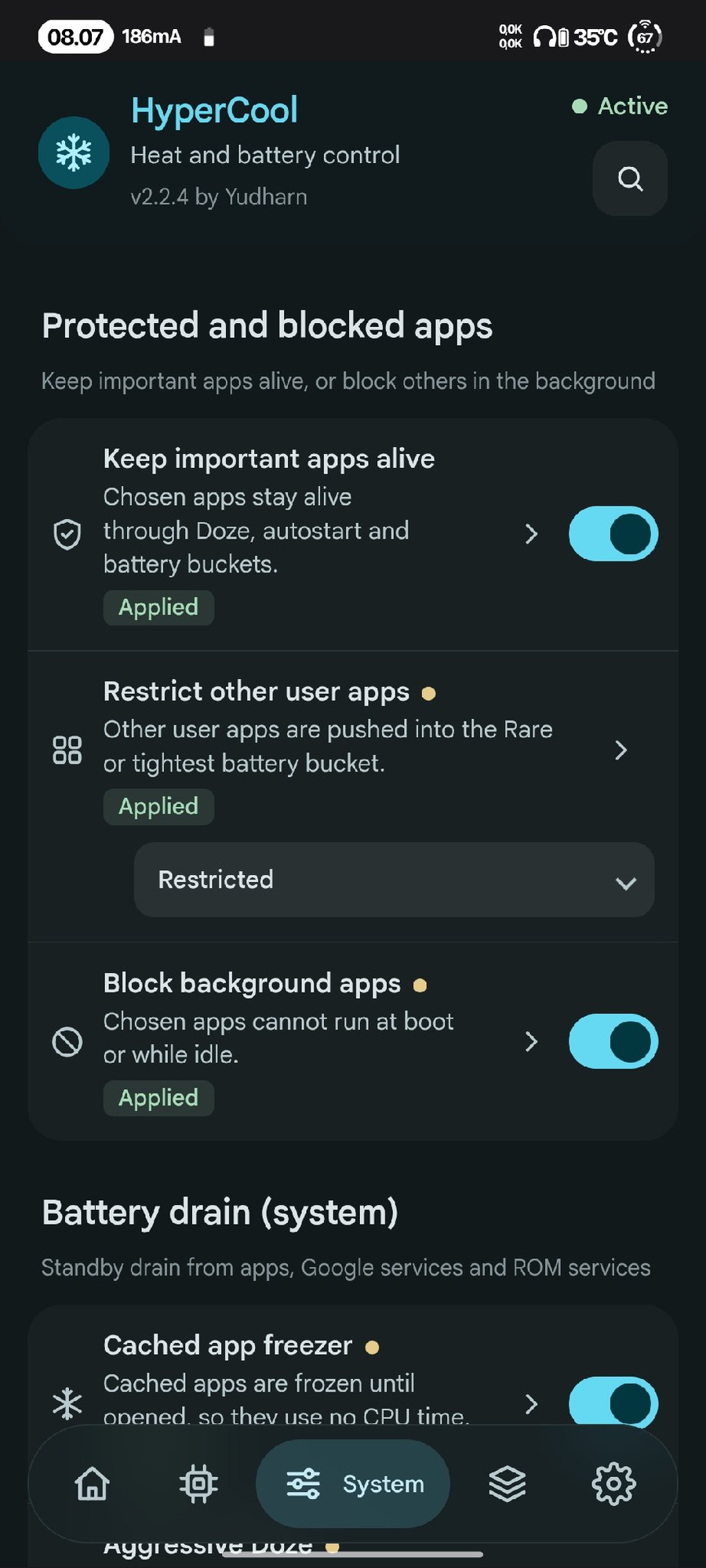 Protected apps |
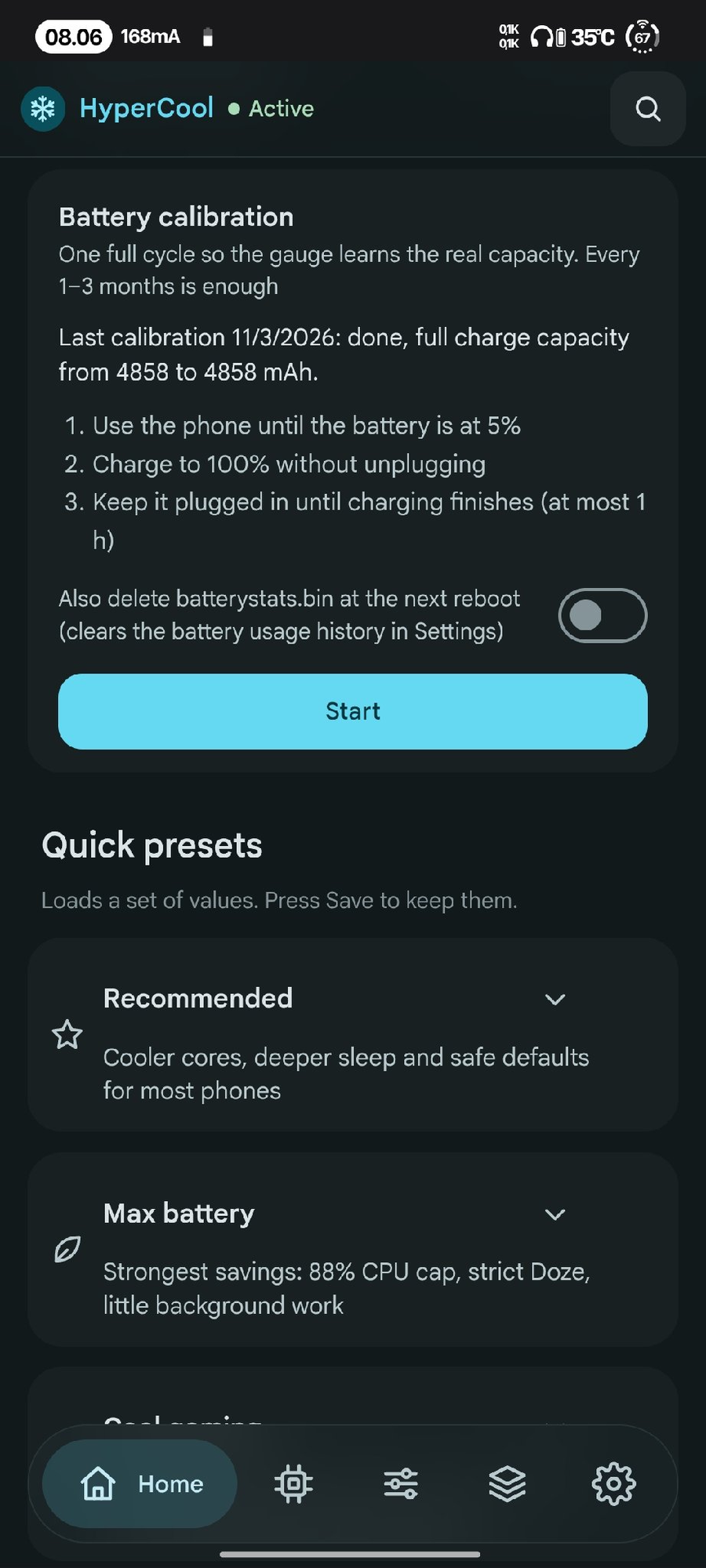 Battery calibration |
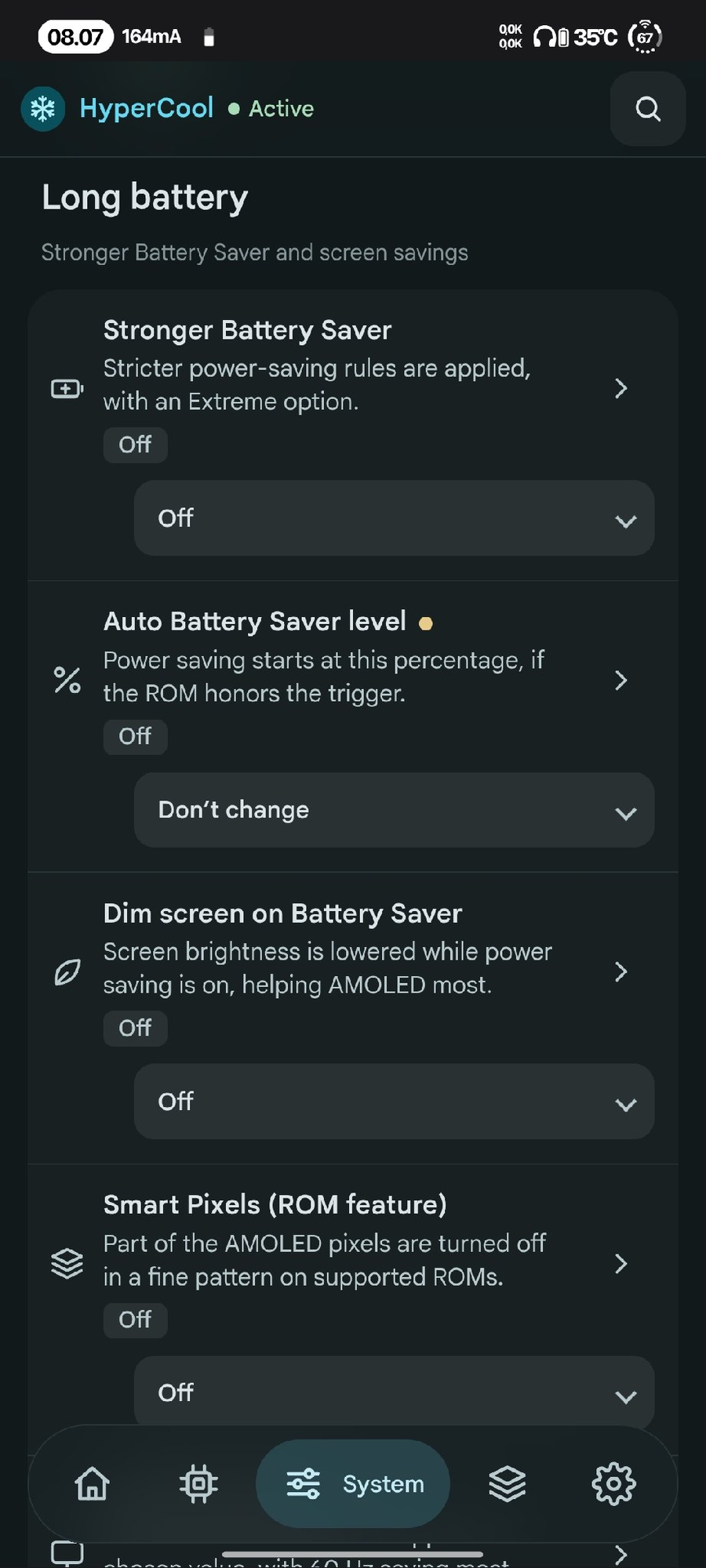 Long battery |
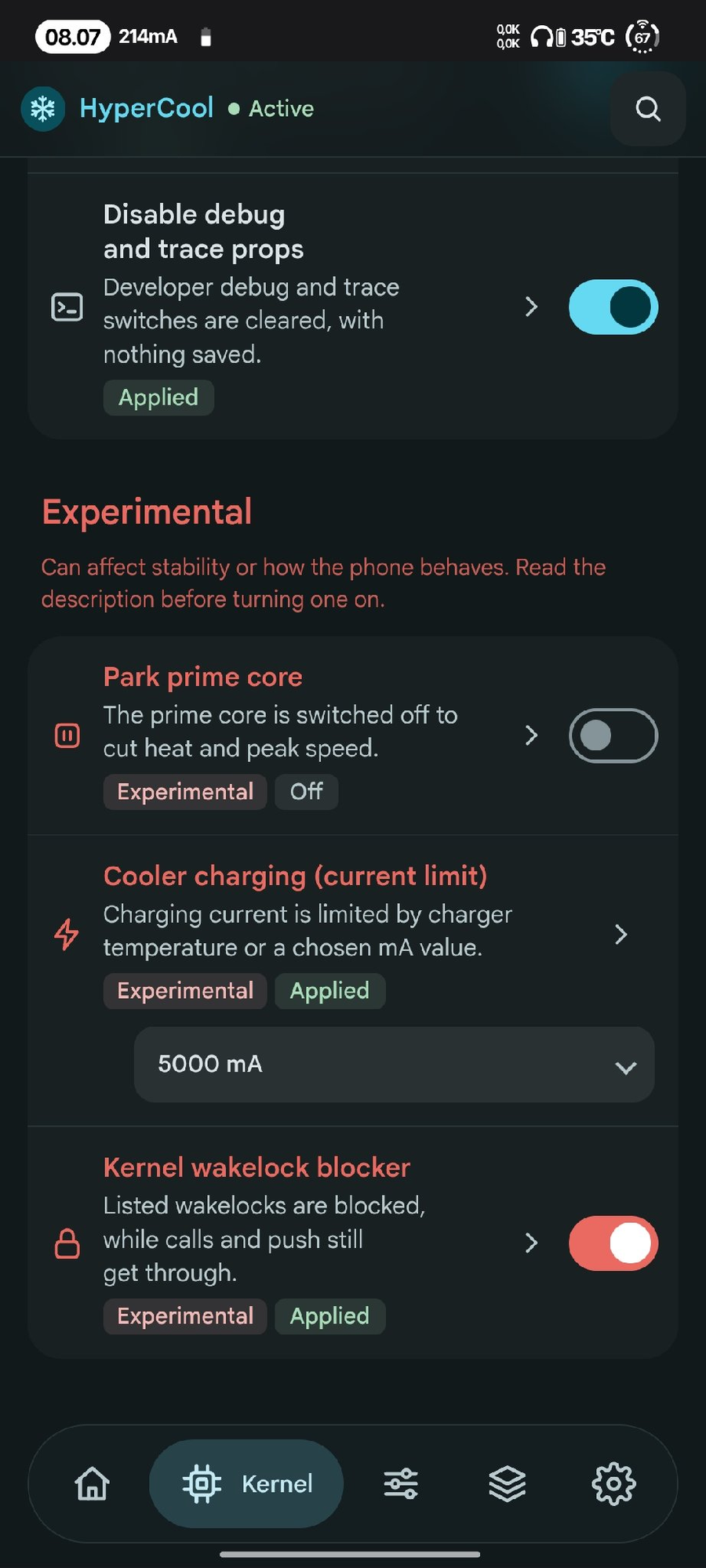 Advanced |
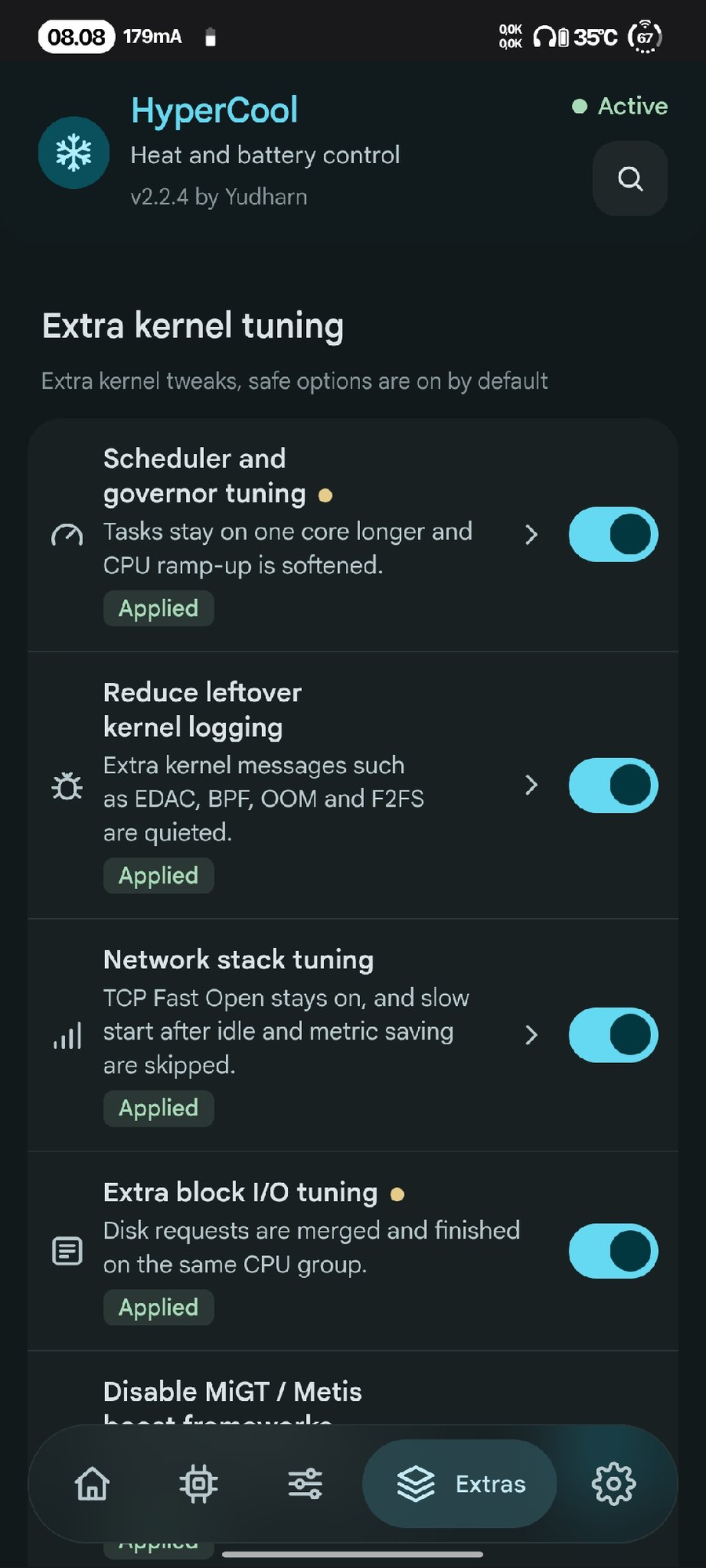 Extra kernel tuning |
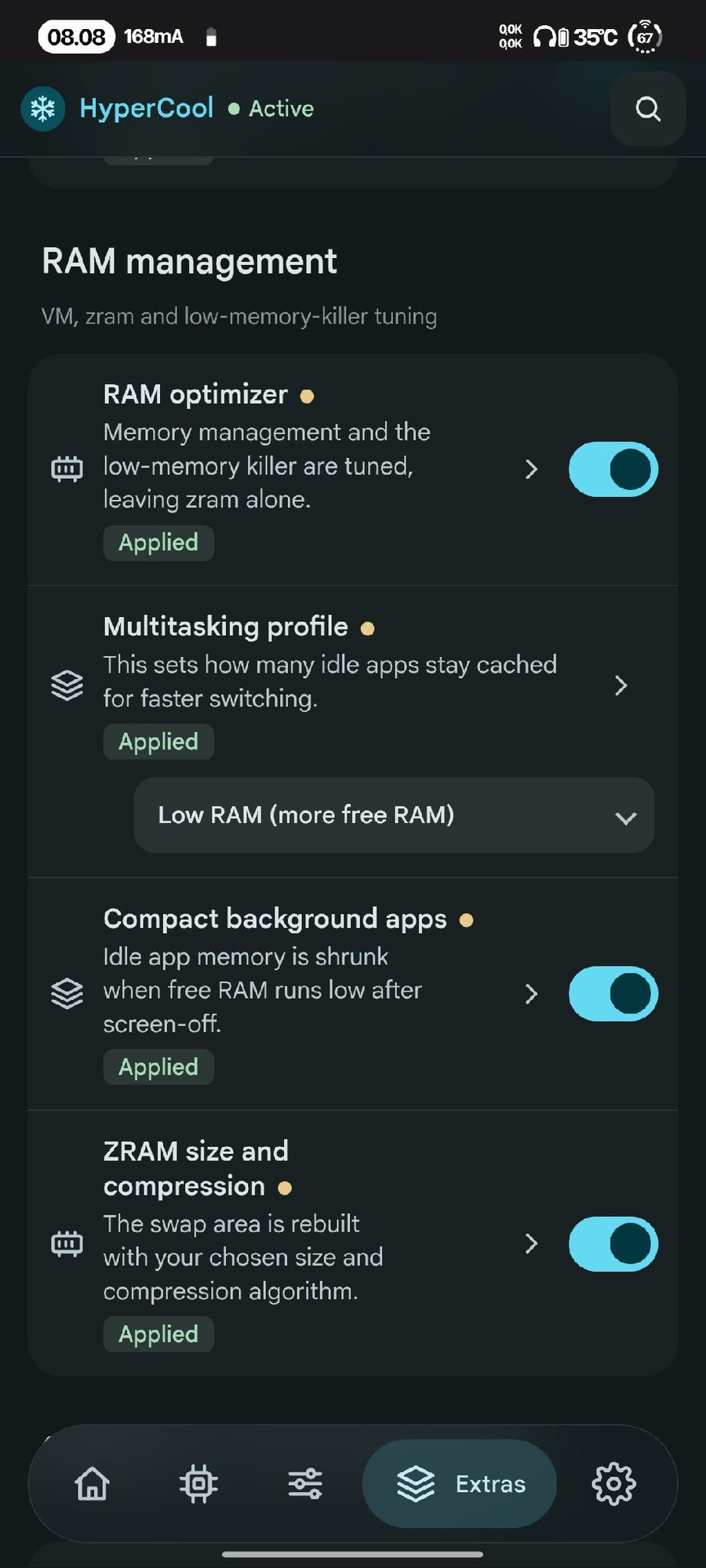 RAM management |
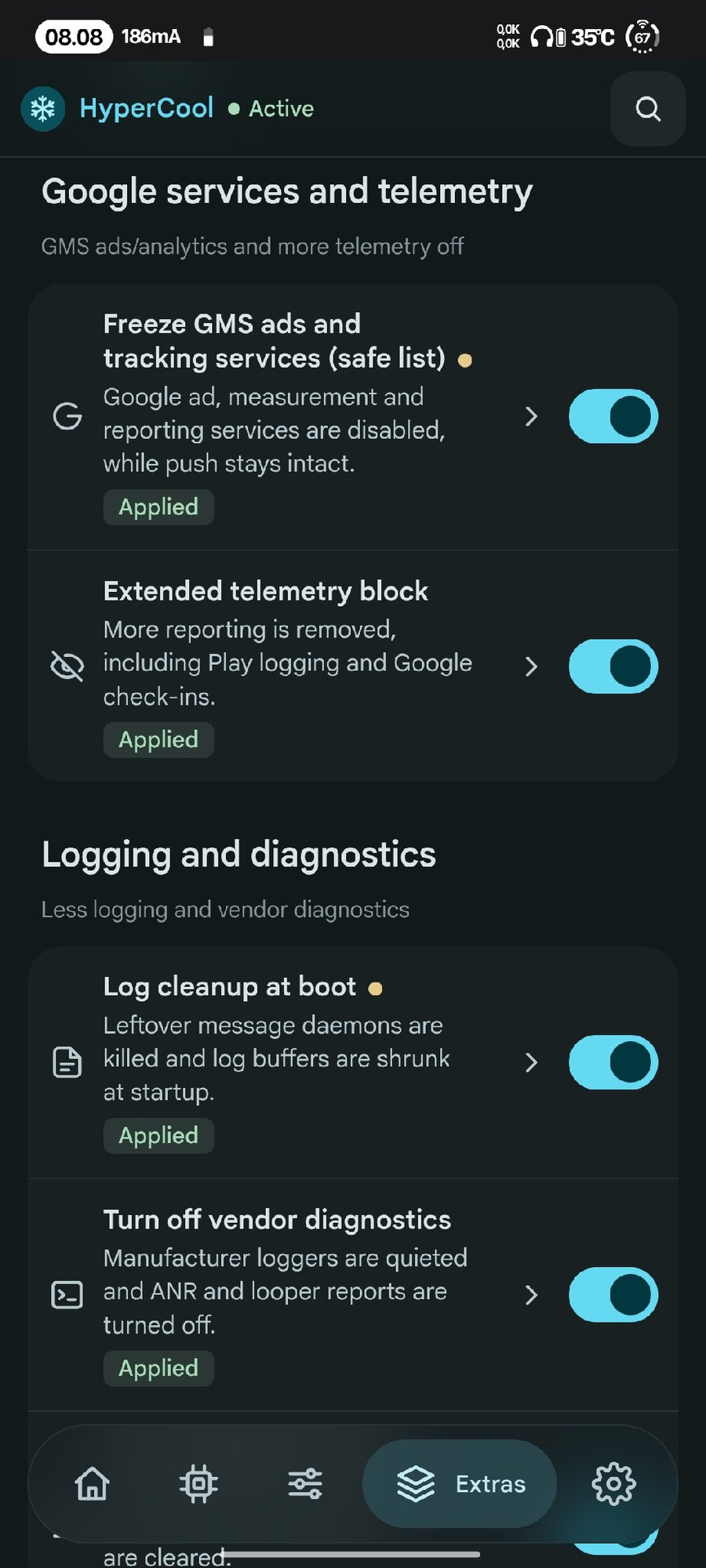 Google services |
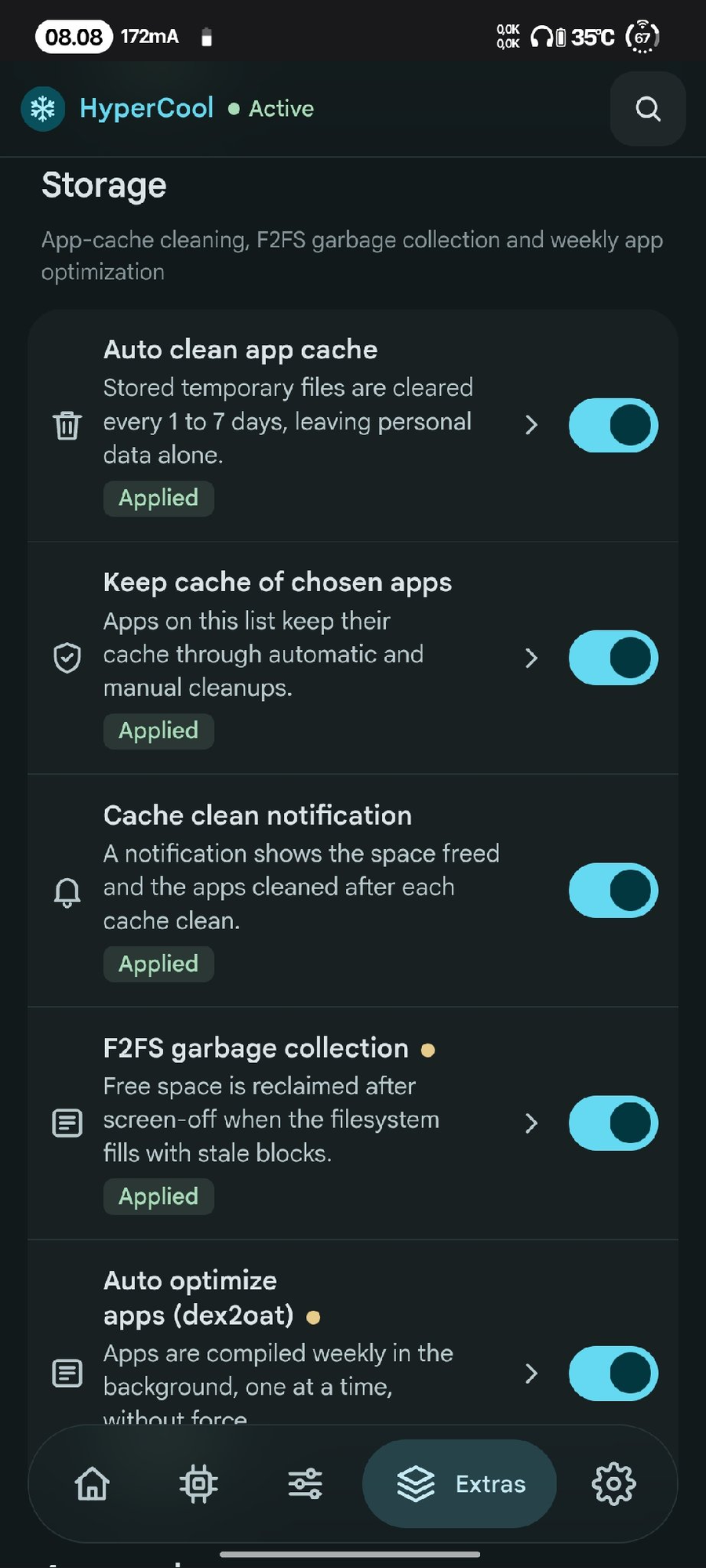 Storage |
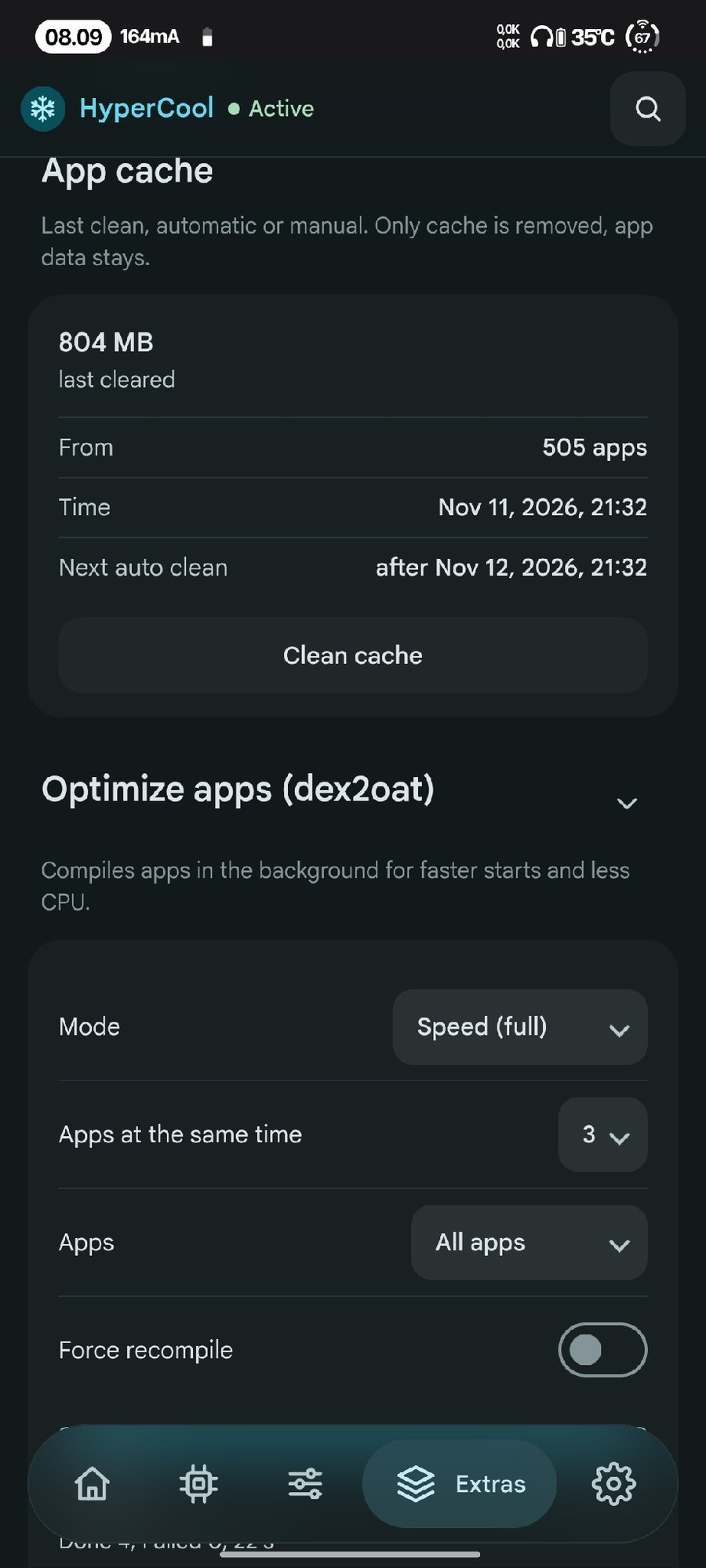 App cache |
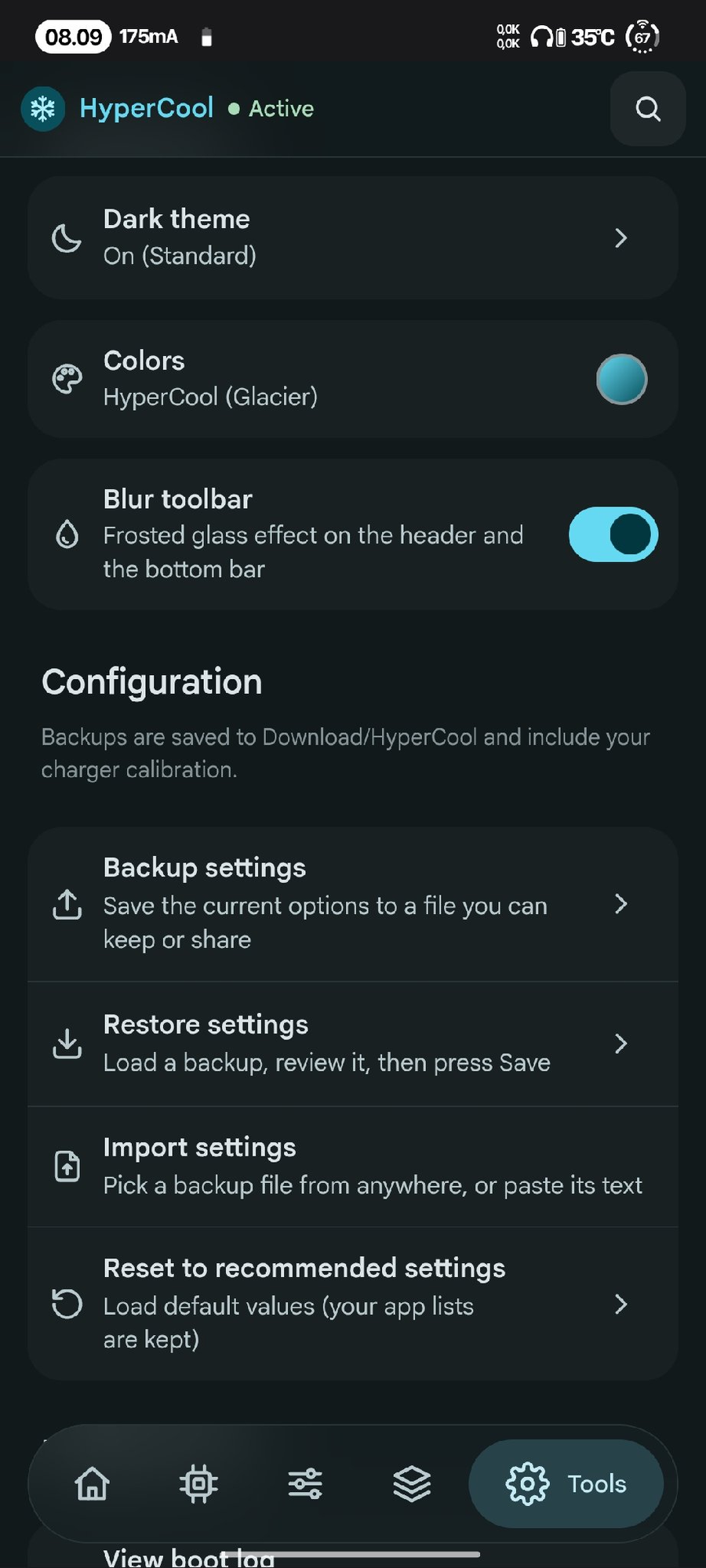 Tools |
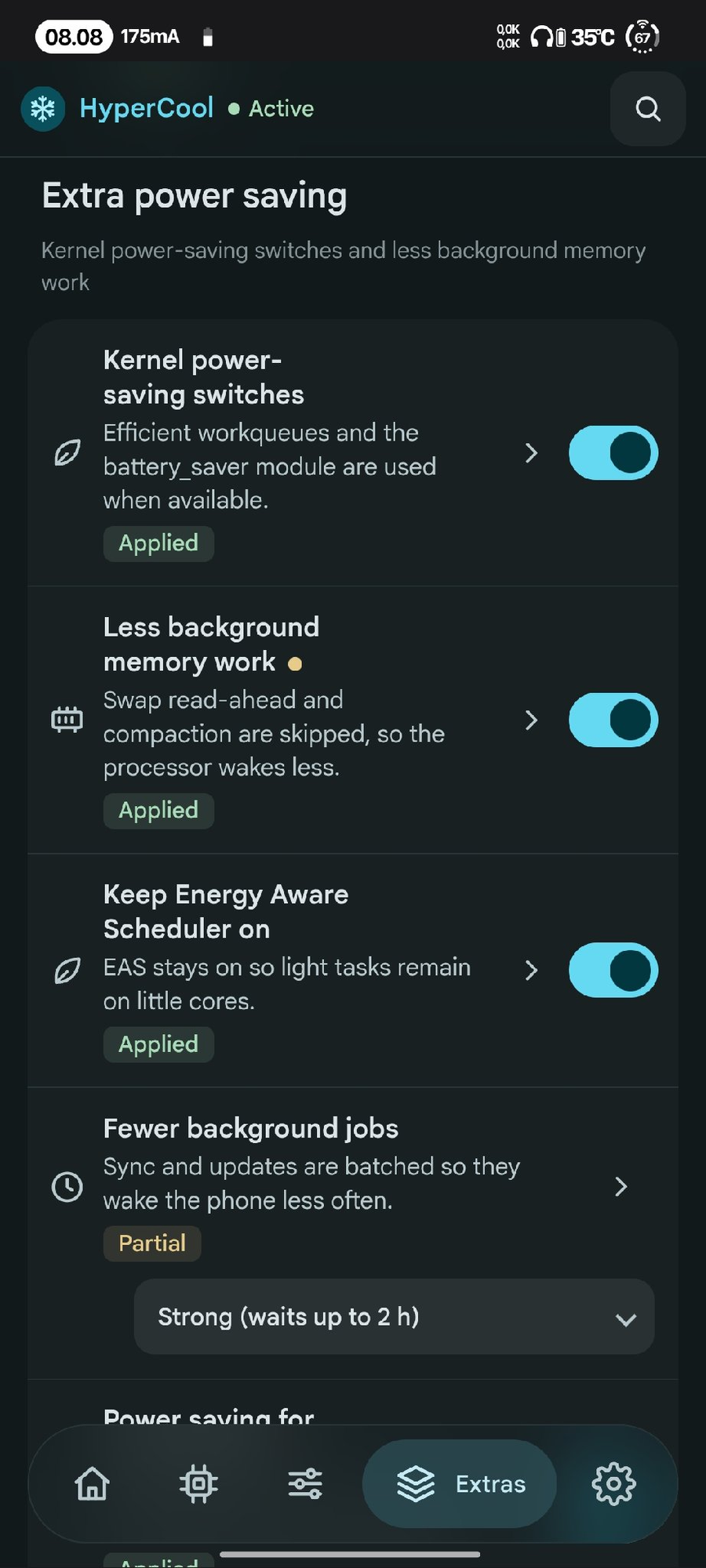 Extra power saving |
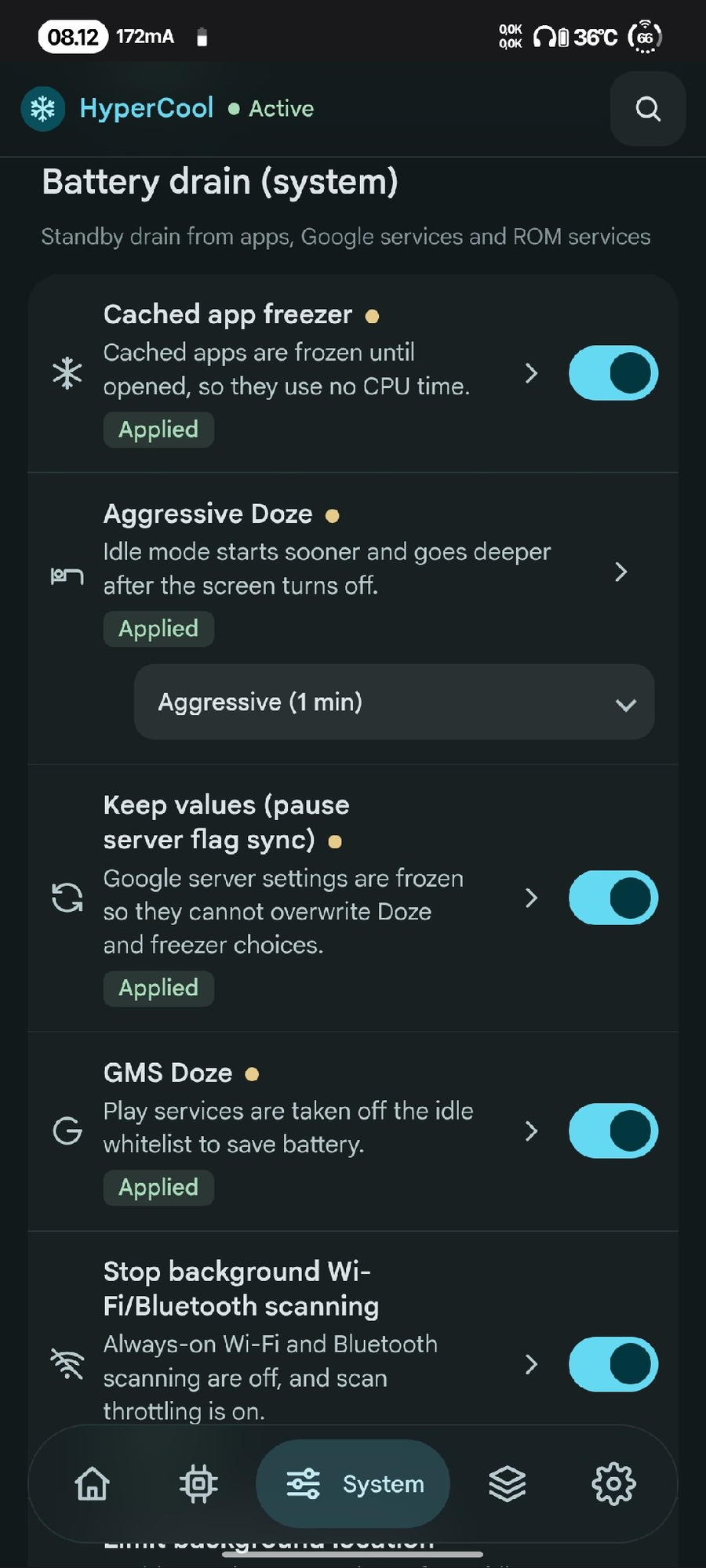 Battery drain (system) |
Features
Every feature has its own ON/OFF switch in the WebUI. Changes apply once at boot, and turning a feature off (or uninstalling) restores the original values
Unsupported features are skipped
Heat control
- CPU big-core frequency cap (with lock)
- CPU little-core frequency cap (default off, with lock)
- GPU frequency cap (from your own GPU table, with lock)
- GPU power collapse
- Less aggressive CPU governor (WALT / schedutil)
- Disable kernel touch boost
- Background apps on little cores
- Park prime core (Qualcomm; switches core_ctl on when the kernel has it off, checks that the core is really parked, locks the nodes)
- CPU keeper: keeps the big/little caps and the prime parking in place when the ROM undoes them
- Disable UI blur
- Cooler charging (current limit) and charge limit ~80% (Xiaomi)
Battery drain (kernel)
- Adaptive screen-off power profile
- Deep CPU sleep, UFS power saving
- Fewer writeback wakeups, less I/O accounting
- Turn off kernel debug, kernel wakelock blocker
- Keep Wi-Fi on while the screen is off (turns it on again when the ROM switches it off; Wi-Fi you switch off yourself stays off)
- Location and Bluetooth off after a long screen-off (both come back when the screen turns on; off by default)
- Mobile data and NFC off during screen-off (back on when the screen turns on; waits during calls, audio and hotspot; off by default)
- Screen-off drain check: the drain of each screen-off period of 30 min or more in Recent activity, a notification when it is high (1 h or more, 2% or more lost, from the rate you pick), and, when the drain was 1%/h or more, the user app that held wake locks the longest, with a button to block it in the background; periods with the charger plugged in part of the time are left out (off by default)
- Heat guard (experimental, off by default): lower refresh rate and big-core limit while the battery is hot, back after it cools down
- Recent activity on Home: the 3 newest events, and Show all with filters (All, Keepers, Manual, Idle drain) for the last 50: boot result with the features that failed, saved setting changes, cache clean, app optimization, F2FS cleanup, heat guard, keepers that stopped and why, Revert and restore, screen-off drain per period and daily idle drain from Android's battery stats. High drain and failed work are coloured
- Keeper status on Home: a small table (tap to open) with every background keeper, Running / Off / Not running / Skipped / Failed, its pid, state and last event
- F2FS garbage collection with the screen off (Storage; frees space that only GC can give back; once a week at most, no charger needed; off by default)
- Auto optimize apps (dex2oat) once a week with the screen off (Storage; speed-profile, no force recompile, result as a notification; off by default)
- Top battery use (Home; read only: user apps, system apps, system services and hardware, from Android battery stats)
Apps
- Keep important apps alive
- Restrict other user apps
- Block apps in background
- Disable apps (pick with care)
Battery drain (system)
- Cached app freezer, aggressive Doze, GMS Doze
- Wi-Fi/BT scanning off, limit background location, network standby saving
- App Standby, less stats, telemetry off
- Disable analytics & ad packages, Joyose off, less logging
Long battery
- Stronger Battery Saver, auto saver level
- Dim screen on Battery Saver, Smart Pixels (ROMs that have it)
- Refresh rate cap, adaptive refresh rate (high on touch, low when idle), animation scale
Extras
- Scheduler, network and I/O tuning
- MiGT / Metis off (Xiaomi)
- Balanced system defaults, common kernel tuning
- RAM optimizer, multitasking profile
- ZRAM size & compression (2-8 GB or custom up to 12 GB)
- GMS ads/analytics freeze, more telemetry off
- Log cleanup, vendor diagnostics off
- Kernel power-saving switches, Energy Aware Scheduler
- Power saving for idle USB / I2C / SPI devices (opt-in)
- Fewer background jobs: JobScheduler batches background work for 1-2 hours (Balanced / Strong, read back and put back if the ROM ignores it)
- Compact background apps: compacts the memory of background apps after the screen has been off, only when free RAM is low
- Auto clean app cache (every 1 to 7 days), apps that keep their cache, cache clean notification
- Optimize apps (dex2oat) for all apps with live progress (Extras tab, on demand)
- Boot notification when everything is applied
Home
- Search: find any feature by name and jump to it
- Idle drain: battery drop per hour with the screen off since the last unplug (shows after a 1% drop)
- Battery check: health, capacity, cycle count, temperature and more
- Wake sources: which wakeup sources kept the CPU awake or cut its sleep short, in plain names (Mobile data, Wi-Fi, Apps and Android, Android system, Alarms and timers…), with how much of the time the phone was awake since "Mark start"; "Apps and Android" opens the apps that held wake locks (Android battery stats, read with
dumpsys batterystats --charged, without the battery history), each with a button to block it in the background - CPU use now: the busiest processes over 2 seconds as a share of the whole CPU, in plain names; the measurement and the root manager are left out (read only)
- Battery calibration: guided full cycle (5% → 100% → until charging finishes) so the battery % is accurate (optionally deletes batterystats.bin)
Requirements
- Android 11+
- KernelSU, KernelSU Next or APatch (Magisk: open the WebUI with MMRL or KsuWebUI)
- Qualcomm or MediaTek SoC, any ROM
Files
/data/adb/hypercool/config.confsettings/data/adb/hypercool/status.conflast boot result/data/adb/hypercool/boot.loglogsh /data/adb/hypercool/restore.sh --allrestore every system change by hand
Credits
- Frosty by Drsexo
- Power Saver Pro by @ShastikXD & @TempMeow (some code by @kveld9)
- Hyper Optimize by Tatsh
- Xtreme Battery Saver (DethByte64), Universal GMS Doze, sysconfig-patcher
- WebUI Mono theme: design inspired by Duck ToolBox by Eltavine (MIT)
- WebUI reference: Specter by @dpejoh1
Support
Note
If HyperCool is useful to you, consider supporting development:

Other ways to support: SociaBuzz · QRIS

Disclaimer
HyperCool changes kernel and system settings. Use it at your own risk; the author is not responsible for bootloops, data loss or damage. Make a backup first, and turn features off one by one if something misbehaves. Provided without any warranty (see the GPL).
License
GPL-3.0-or-later. Copyright (C) 2026 Yudharn. See LICENSE.
Modified versions must stay GPL-3.0, keep the source open and keep this copyright notice.
Google Sans font: SIL Open Font License (webroot/GoogleSans-OFL.txt).