
Shellscaled
Run Tailscale natively on rooted Android without occupying Android’s VPN slot.
简体中文 · English

Download the latest release · Magisk / KernelSU · ARM64
Choose either Shellscaled or
magisk-tailscaled. Do not enable both. To switch, disable the old module and reboot before installing Shellscaled. Its sign-in state is not migrated automatically.
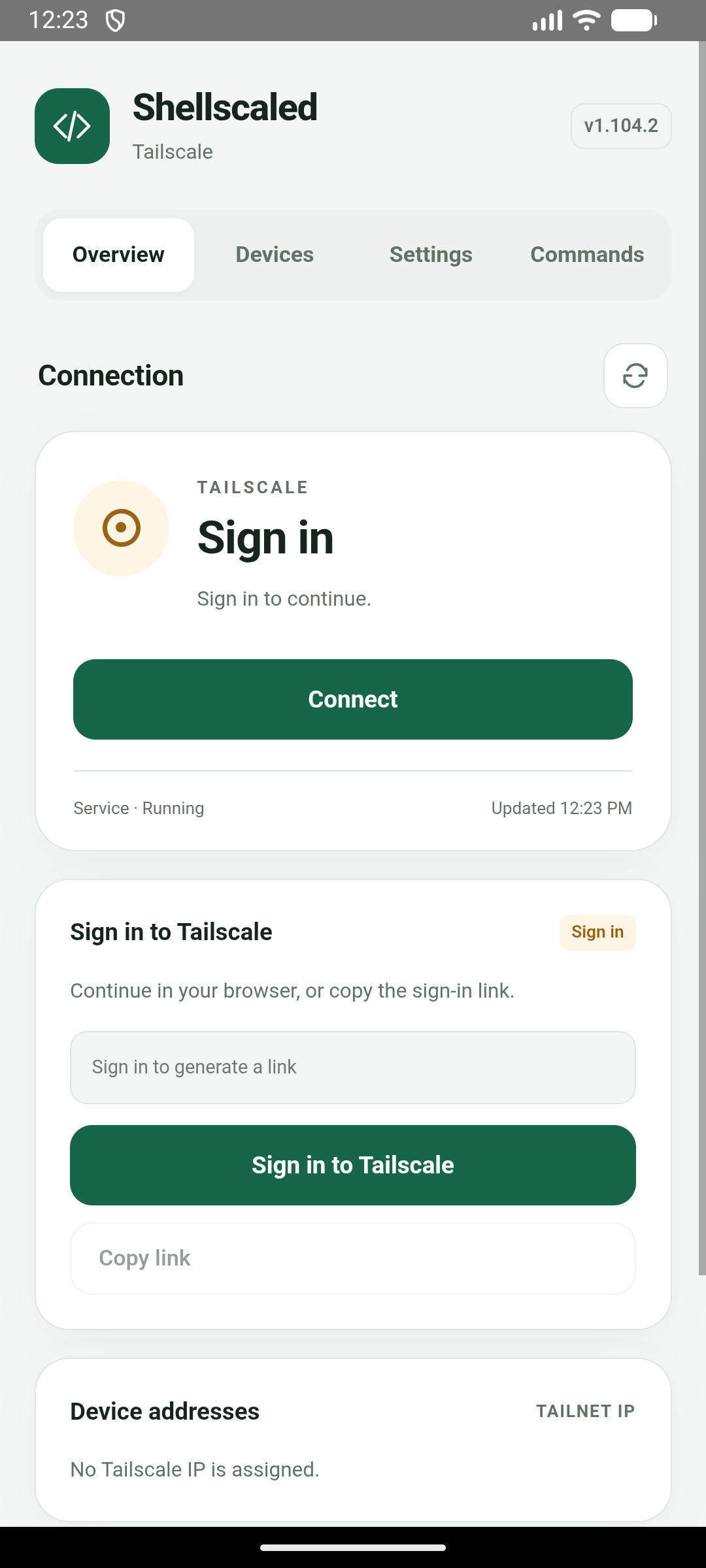
First-time sign-in
Features
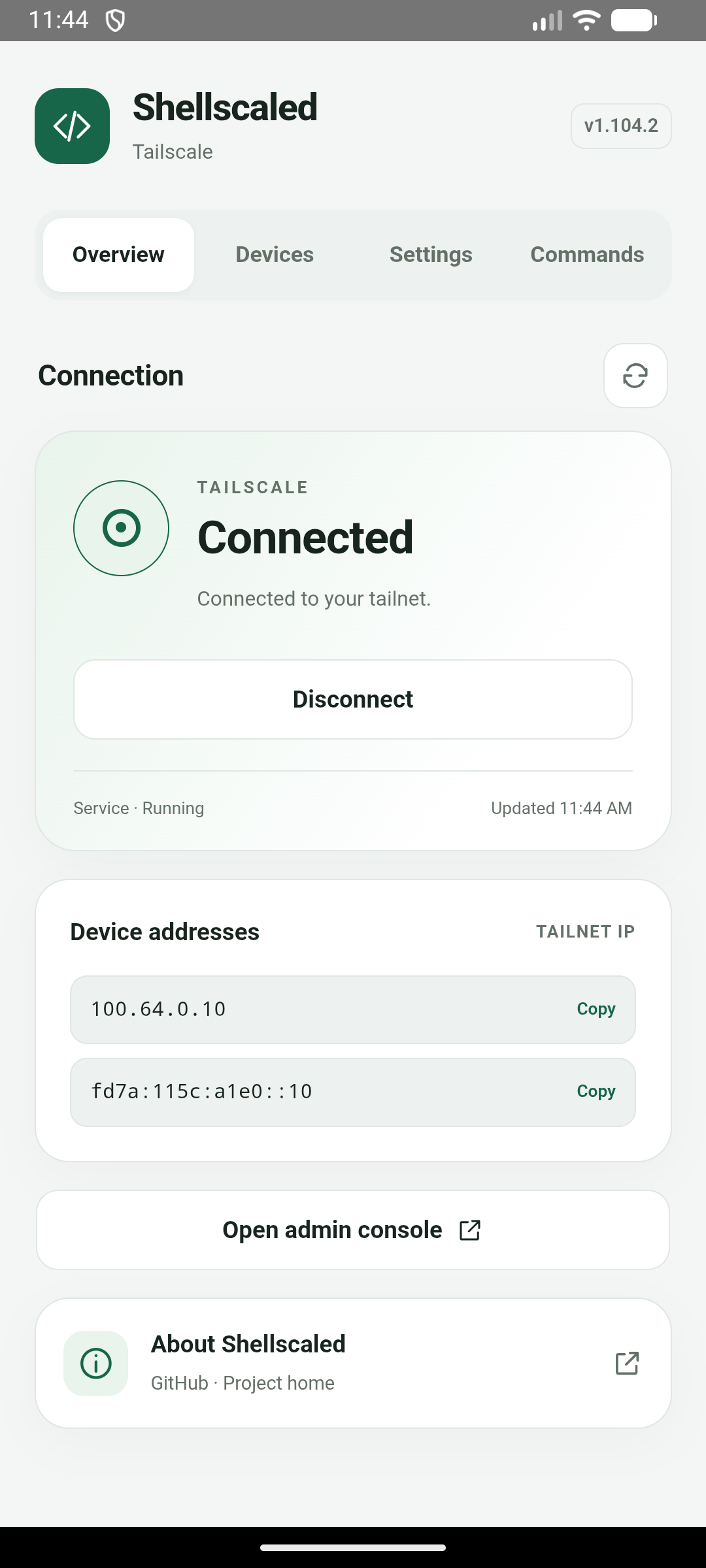
- Connect or disconnect from your module manager and see connection status on the module card.
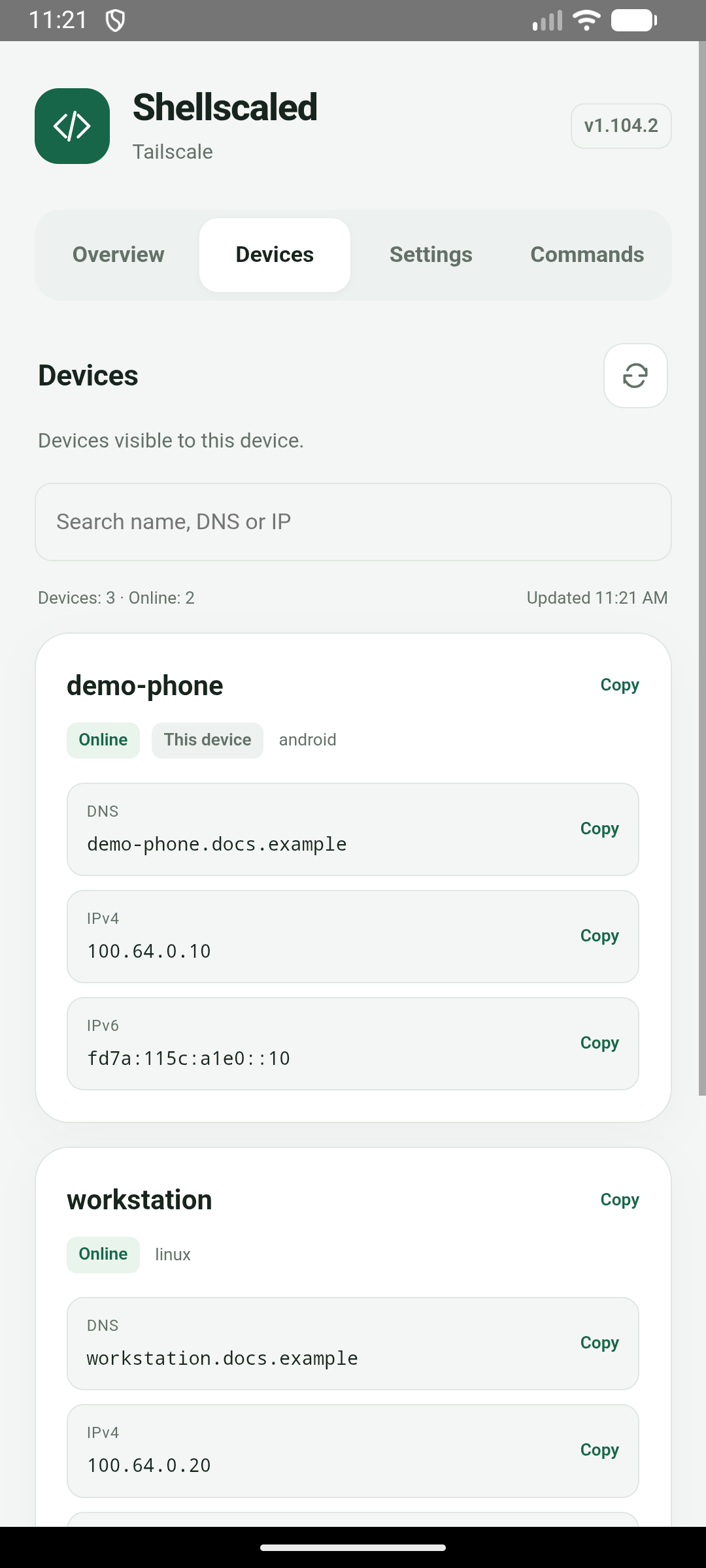
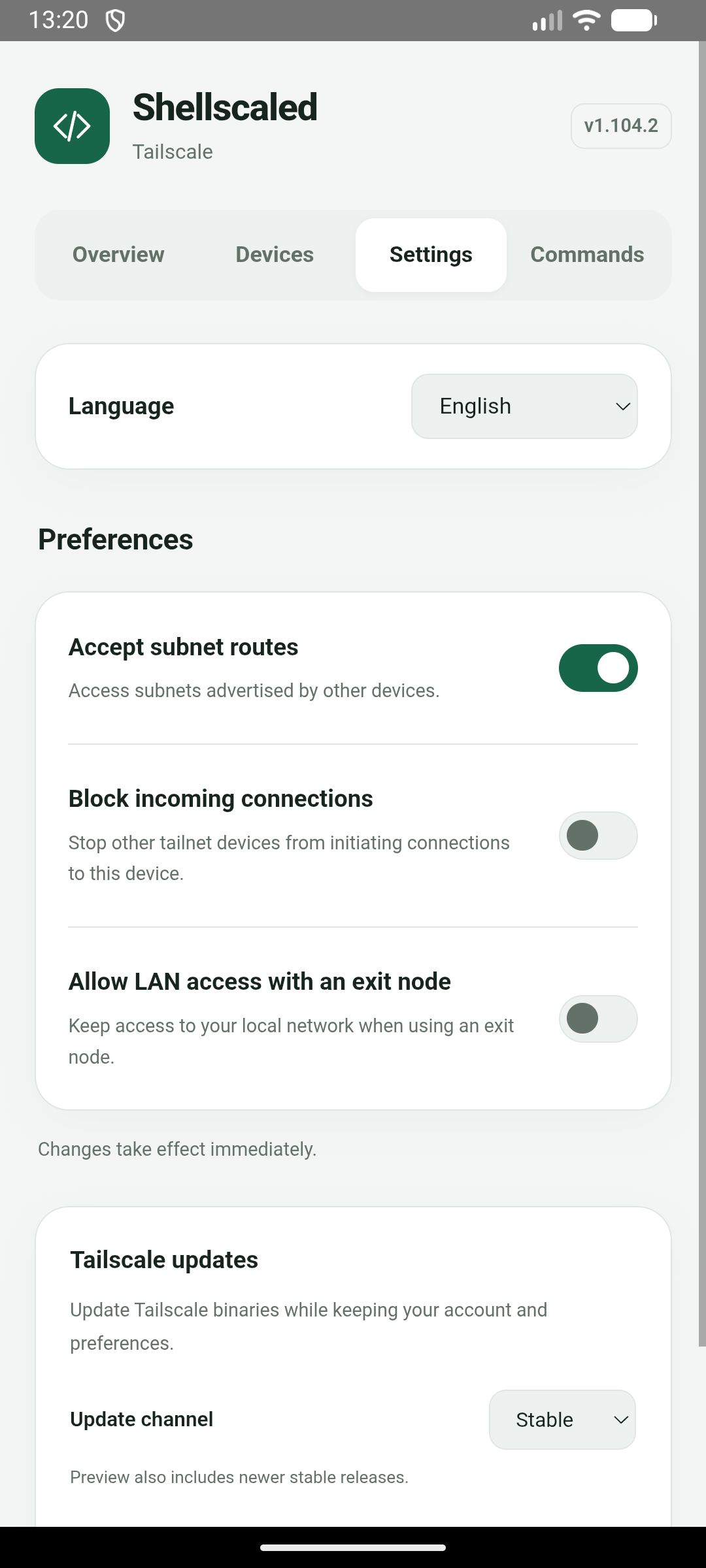
- KernelSU pages with address copying, a device list, preferences, Tailscale commands and links to the admin console and project home.
- Simplified Chinese, Traditional Chinese and English, following your system language or a manual selection.
- Offline installation, with your account and preferences preserved during updates.
Installation
- Download the arm64 ZIP package from Releases.
- In Magisk or KernelSU Manager, choose Install from storage and select the ZIP.
- Reboot, tap the module action button to connect, and follow the sign-in instructions. KernelSU users can also open the module page and choose Sign in to Tailscale.
Sign in from a terminal
su -c 'tailscale login'
Usage
After running su in adb shell or a terminal, use tailscale directly. Use tailscaled to start, stop, restart or check the service.
Use the module action button in your manager to connect or disconnect. KernelSU users can also open the settings page to manage subnet routes, incoming connections and LAN access when using an exit node. Switch changes take effect immediately.
Tap a local address to copy it. The Devices page lets you search visible devices, check online status and copy names or addresses.
To update Tailscale on its own, choose Stable or Preview under Binary updates in Settings. Your account and preferences are retained. For module interface and feature updates, install the new module package and reboot. Uninstalling the module deletes its account and preferences.
Credits and license
Shellscaled is a third-party project based on Tailscale, with Android adaptations informed by anasfanani/tailscale-android-cli, and originating from anasfanani/magisk-tailscaled.
Distributed under the BSD-3-Clause license, retaining upstream copyright and patent notices. Not affiliated with Tailscale Inc.