
Power11
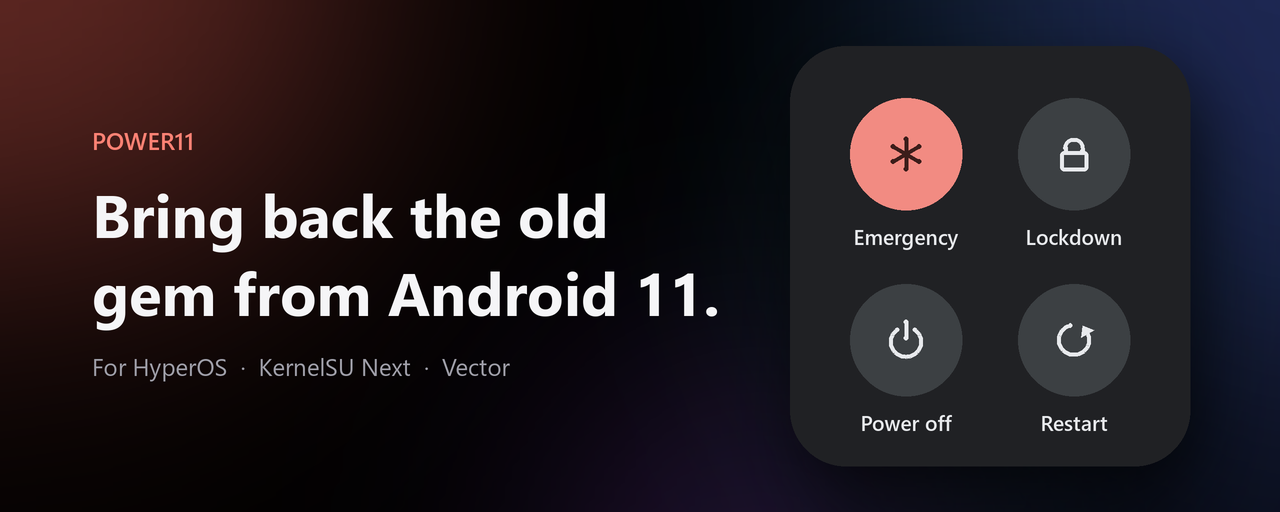
Bring back the old gem from Android 11. A KernelSU Next module that replaces the HyperOS / MIUI power menu with the classic AOSP one, and lets you choose exactly what goes in it.
Features
- AOSP power menu on HyperOS / MIUI
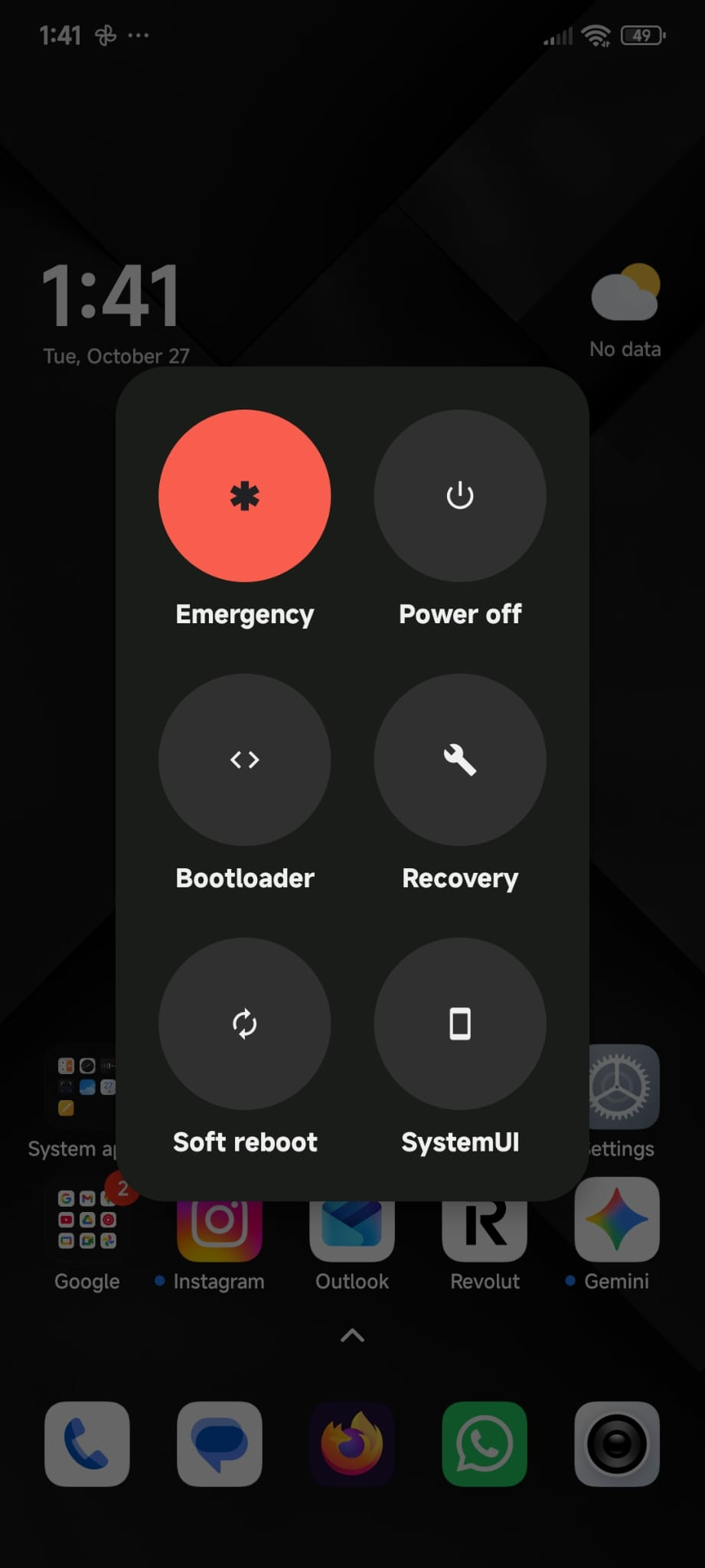
- Any items, any order: Recovery, Restart, Bootloader, Power off, SystemUI, Soft reboot, Emergency, Lockdown, Screenshot, Airplane mode, Sound mode, Settings, Bug report. Drag to reorder.
- Grid: 2 or 3 columns, presets Essential 2×2 and All-in 2×3
- Blur behind the menu, with adjustable strength
- WebUI with a live preview; changes apply the next time you open the menu
- Survives OTA updates and uninstalls cleanly
Requirements
- KernelSU Next
- Vector or LSPosed, for custom items and order (the AOSP menu itself works without it)
Install
- Download the latest zip from Releases, then KernelSU Next → Modules → Install from storage, and reboot.
- Vector → Modules → enable Power11, scope System UI.
- Power11 WebUI → Restart SystemUI, then pick your items.
Updating from AOSP Power Menu (v1/v2)? Just install Power11: it replaces the old module and keeps your settings. Later updates show up in KernelSU Next automatically.
How it works
| Part | What it does |
|---|---|
power11.sh |
Disables the miui.systemui.plugin service bound to PLUGIN_GLOBAL_ACTIONS, so SystemUI falls back to its AOSP GlobalActionsDialogLite |
| Power11 APK (installed as a regular app) | Vector hook in SystemUI: sets the item list and order, grid columns, and adds the reboot entries. Reads Settings.Global power11_items / power11_columns on every menu open |
watcher.sh |
SystemUI may not reboot to recovery/bootloader. The hook creates power11_<cmd> in SystemUI's data dir and this root process (busybox inotifyd, no polling) runs it |
Command line
su -c sh /data/adb/modules/power11/power11.sh help
Build
Requirements: Python 3 with Pillow, a JDK, and the Android SDK (build-tools and
one platform) in ANDROID_HOME.
python build.py --all
Preview
Notes
- Lockdown only appears if it is enabled in the lock screen settings.
- If the WebUI says Plugin not found, this HyperOS build does not expose the power menu as a SystemUI plugin.
- Config and logs:
/data/adb/power11/.
Credits
Made by Luigi Colantuono.